Home redesign guide
How to Redesign Your Home with AI
AI home redesign is most useful when you use it to compare directions: siding colors, curb appeal, planting density, hardscape layouts, patio zones, and outdoor living styles. This guide explains how to get better outputs and turn them into a practical plan.
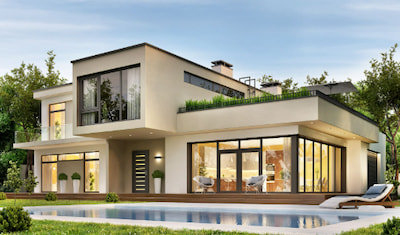 Before
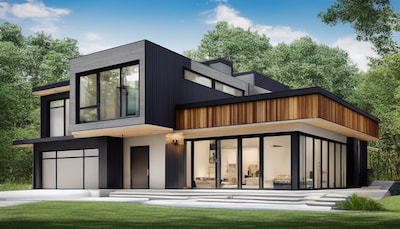 AI concept
1. Start with the right photo
The photo determines the quality of the redesign. For home exteriors, take a straight-on daylight image that shows the full facade, roofline, yard edge, driveway, and walkway. For backyard or garden redesigns, include the borders of the space and any fixed features such as fences, patios, trees, steps, and retaining walls.
Avoid extreme angles, night photos, heavy shadows, cropped rooflines, and close-ups that hide the layout. Those images can still produce ideas, but they are less useful for planning.
2. Generate several realistic directions
Curb appeal
Compare siding, trim, door color, roofing tone, porch details, and front yard structure.
Garden layout
Test planting density, paths, seating, lighting, water features, and low-maintenance styles.
Outdoor living
Explore patios, decks, fire pits, furniture zones, privacy screens, and shade structures.
3. Turn AI ideas into a project plan
Pick the two or three concepts that feel realistic for your home, then translate each one into project decisions: paint or siding colors, landscaping zones, hardscape materials, outdoor furniture, lighting, and estimated quantities.
AI home redesign checklist
- Save the original photo and every concept you might discuss with family or contractors.
- Separate visual ideas from construction decisions such as measurements, permits, and drainage.
- Use calculators for rough material estimates before requesting quotes.
- Confirm plant choices, exterior materials, and paint colors against your local climate and suppliers.