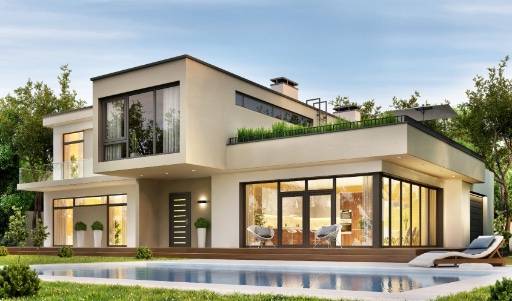
 Before
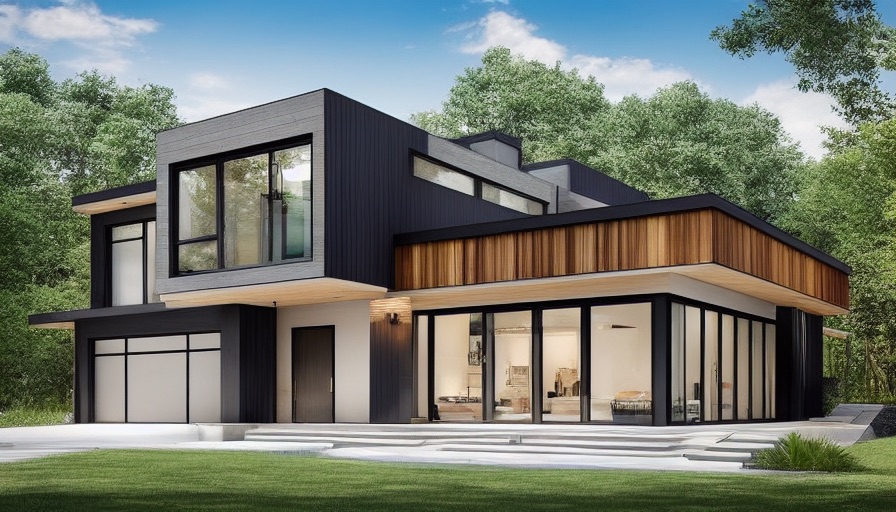 After
AfterExteriorModern
Modern Exterior Curb Appeal
A cleaner facade direction with stronger trim contrast, updated materials, and low-maintenance front landscaping.
Try This ExampleSearching for RoomGPT free or a Room GPT alternative? HomeGPT generates exterior, garden, patio, and whole-home design ideas from a photo - no credits and no upfront signup. Try it below, or scroll down for an honest comparison.
Before and after inspiration
See real outdoor design directions for curb appeal, facades, patios, gardens, and landscaping before trying your own photo.
BeforeAfterA cleaner facade direction with stronger trim contrast, updated materials, and low-maintenance front landscaping.
Try This Example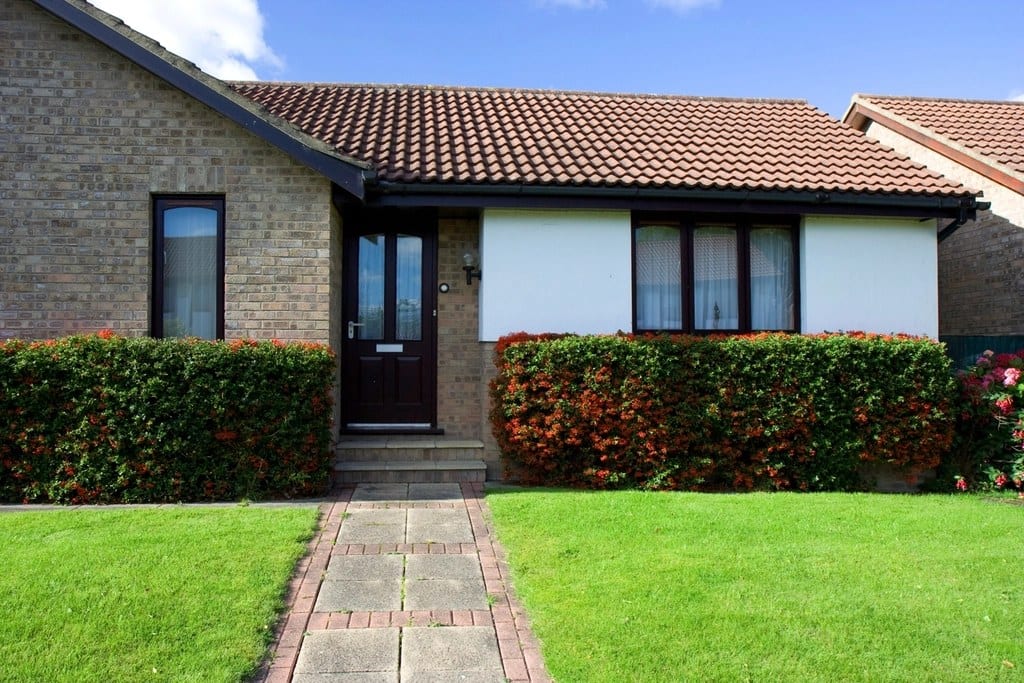 Before
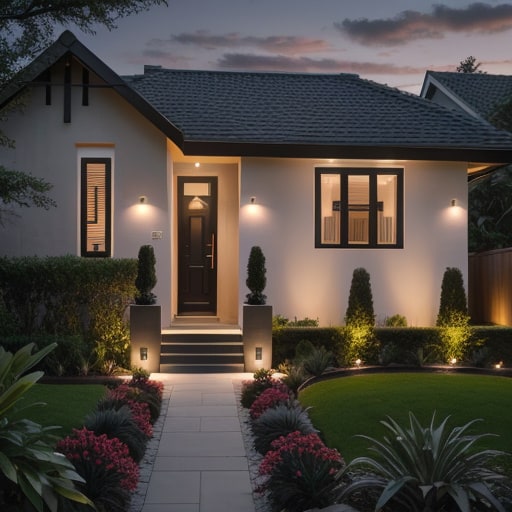 After
AfterA brick bungalow with a tiled roof re-rendered in white with black window frames, a new front door and layered evergreen planting, roofline and openings kept where they are.
Try This Example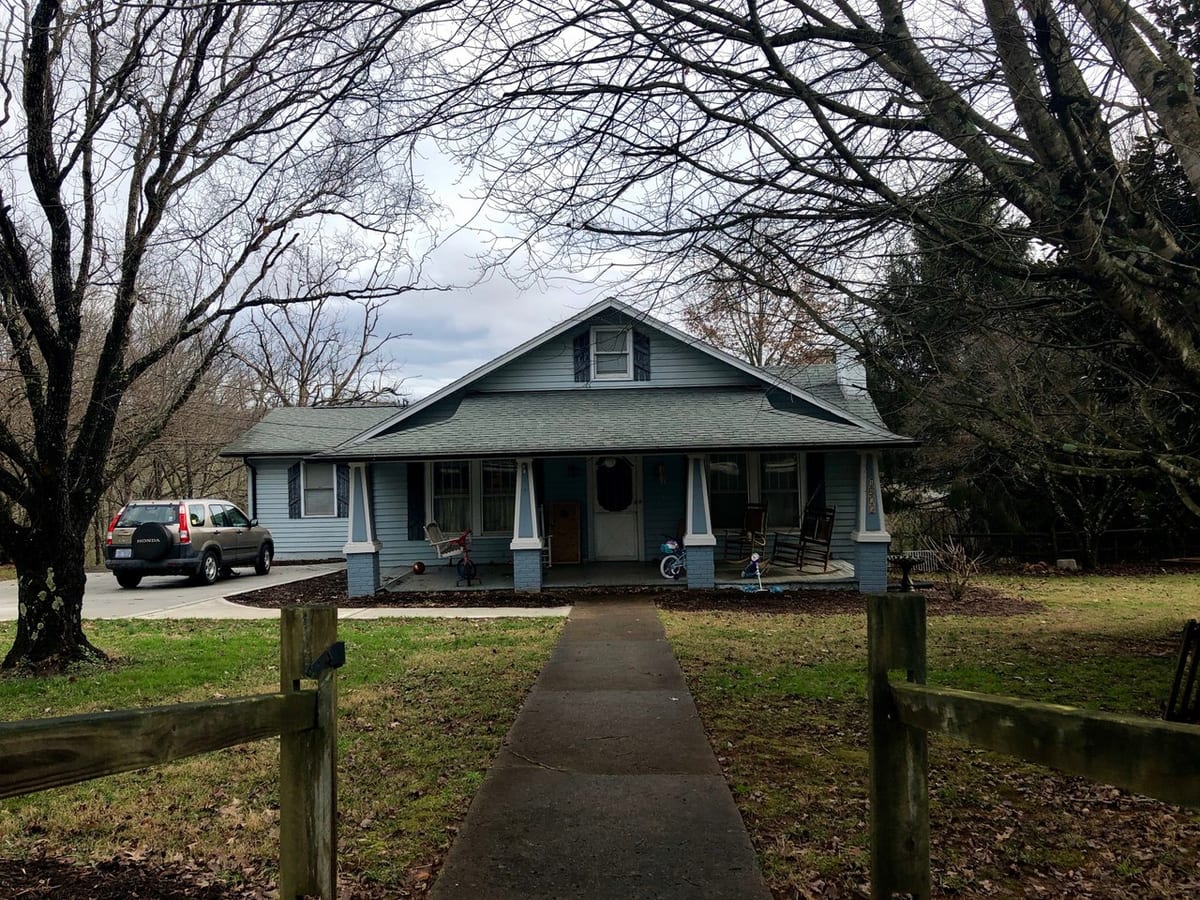 Before
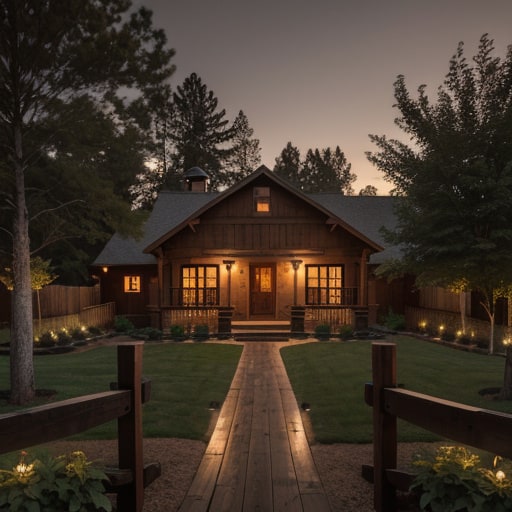 After
AfterA blue Craftsman with a cluttered porch and a car in the drive, reimagined as a warm farmhouse with board siding, a lit porch and a planted front path.
Try This ExampleUpload a photo of your home, yard, or outdoor space and see it transformed instantly. No signup required.
Choose a photo
Or drop it here · JPG, PNG, HEIC, WebP · up to 30 MB
Use a clear daylight photo of your room, exterior or garden. No account needed to start.
See the quality of AI-generated design visualizations. Drag the slider on each image to compare the before and after results.
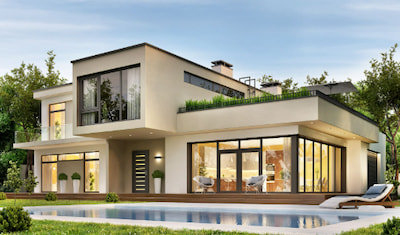 Before
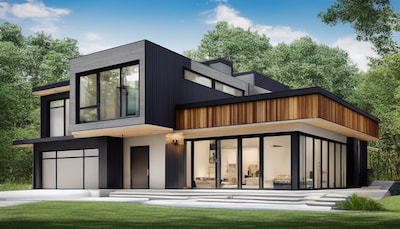 After
AfterA cream stucco house re-rendered with dark cladding, a wood-slat fascia, a black garage door and a lawn where the pool was.
Before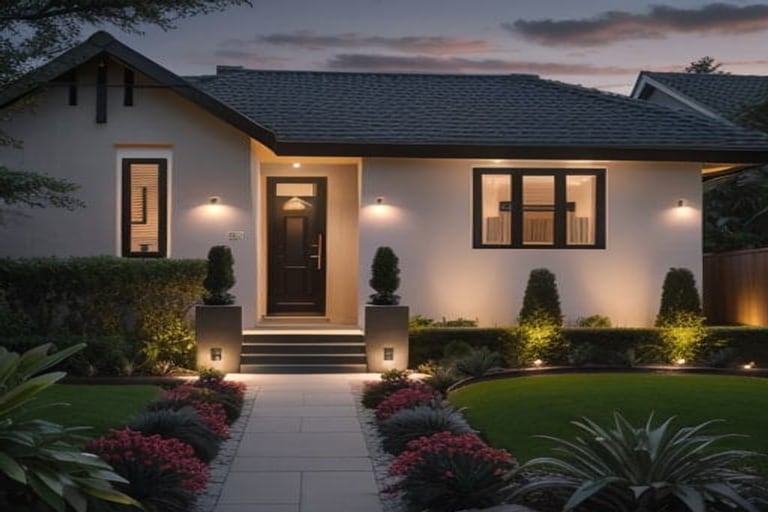 After
AfterA brick bungalow with a tiled roof re-rendered in white with black window frames, a new front door and layered evergreen planting, roofline and openings kept where they are.
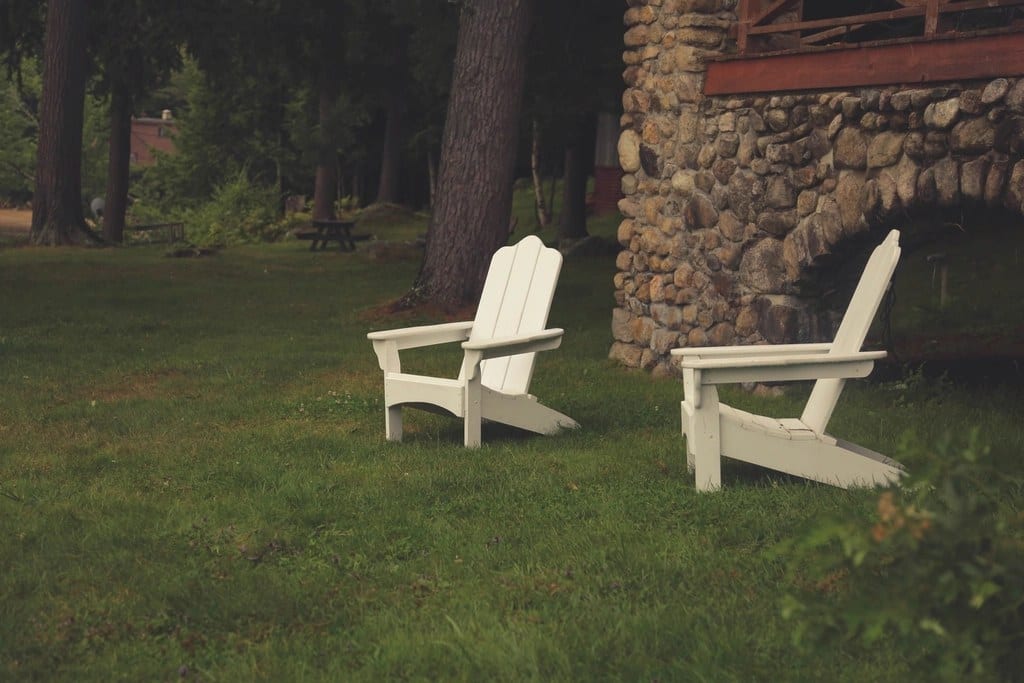 Before
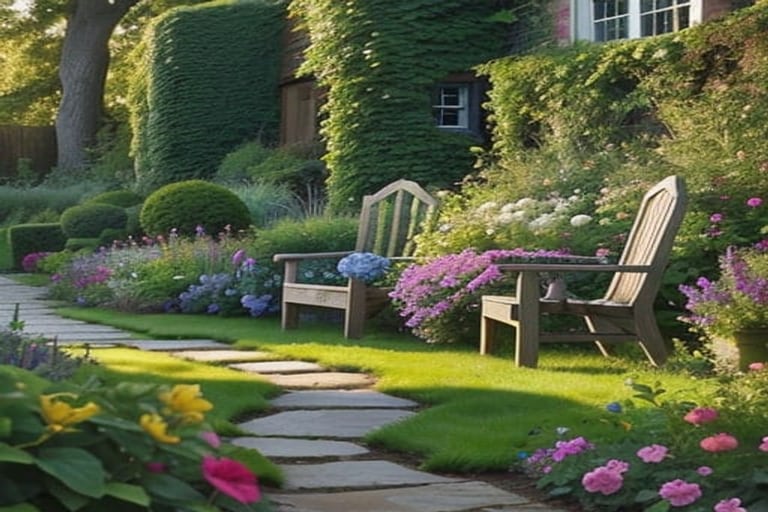 After
AfterA plain lawn beside a stone cabin filled in with perennial borders, a stepping-stone path and climbing greenery.
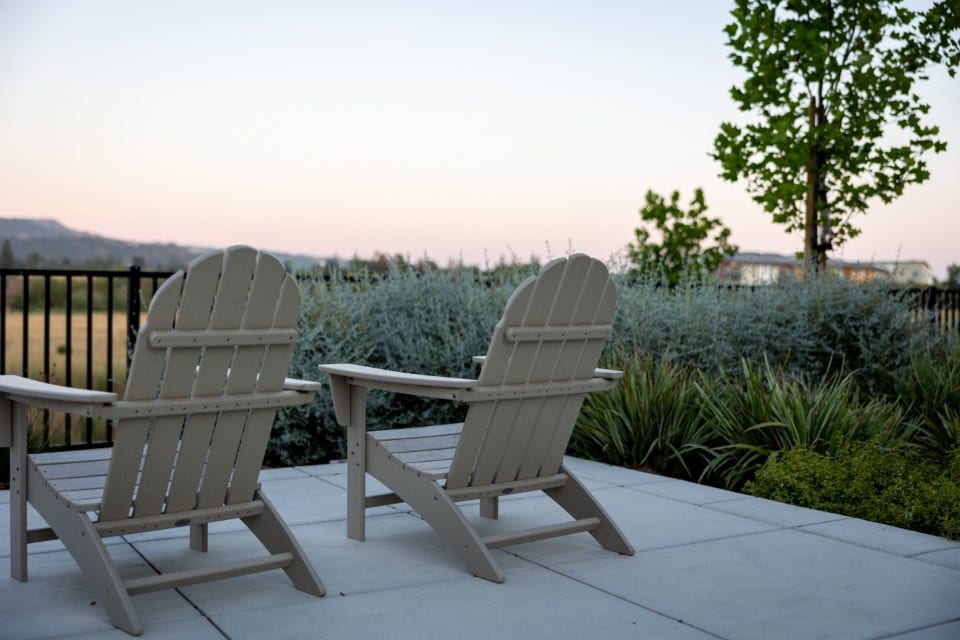 Before
 After
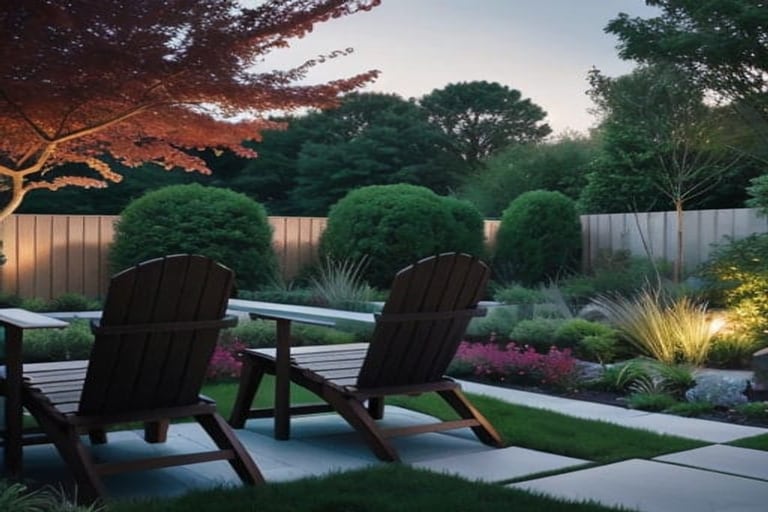
AfterTwo Adirondack chairs on a bare concrete patio, with clipped evergreens, ornamental grasses, low lighting and a paver edge added around them.
 Before
 After
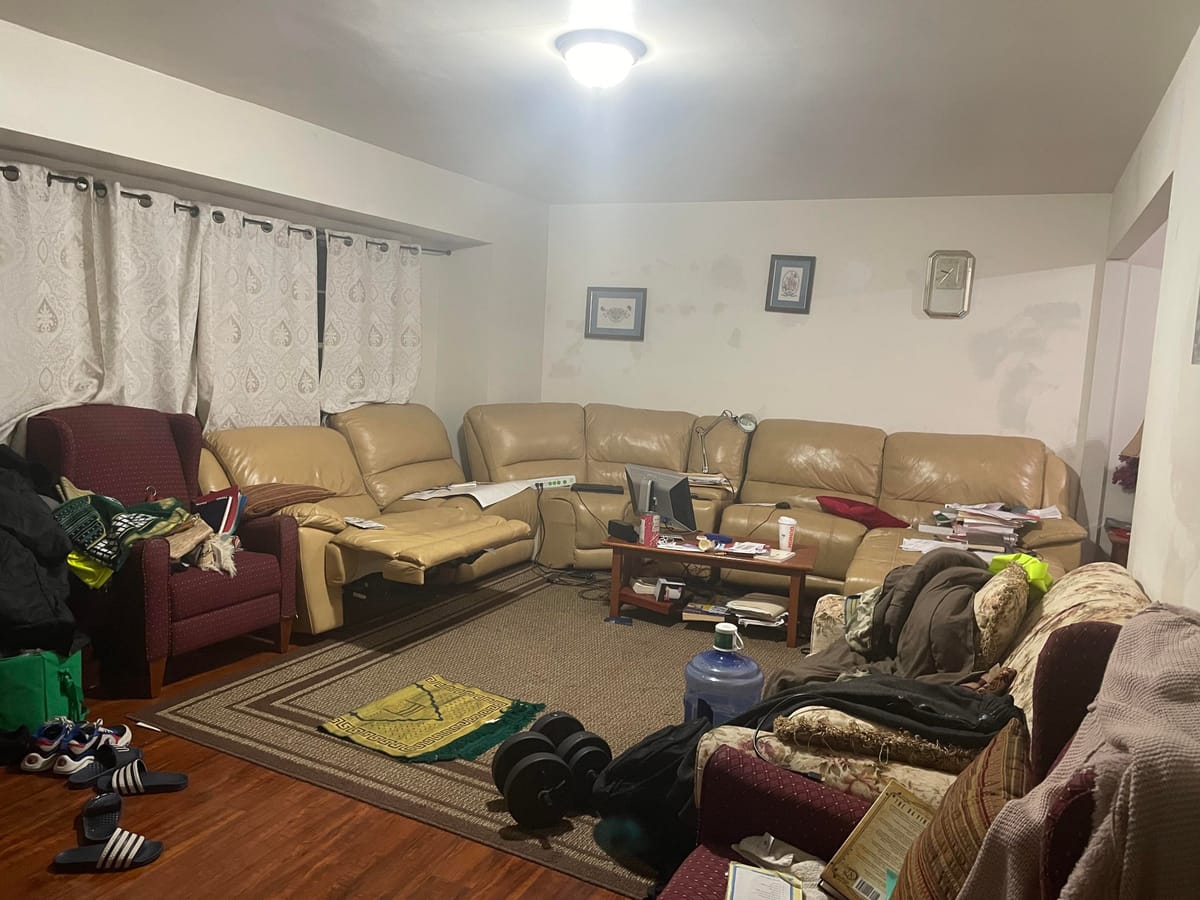
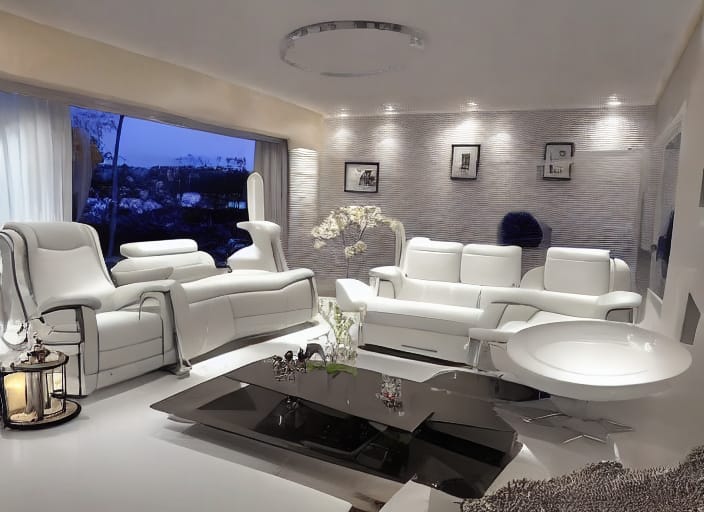
AfterA cluttered living room with a tan sectional re-rendered in white, with white leather seating, a dark glass coffee table and recessed lighting.
 Before
 After
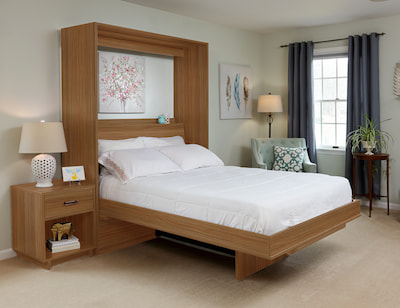
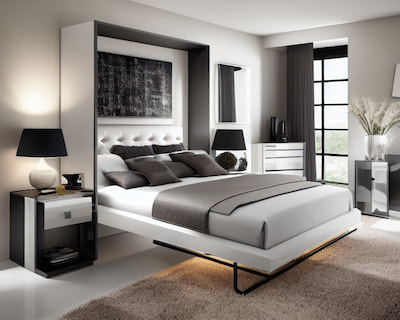
AfterA bedroom with a warm wood wall bed re-rendered with white and black cabinetry, gray bedding and black lamps.
RoomGPT is one of the original AI room redesign tools. Upload a photo of an interior room, choose a theme, and it generates a restyled version of that room in seconds. Its simplicity made it hugely popular with homeowners and renters exploring decoration ideas.
RoomGPT is interior-focused: bedrooms, living rooms, kitchens, and offices. It works from a compact set of preset themes, which keeps the workflow simple but limits how specific you can get with a design direction.
RoomGPT typically requires signup and works on a credit system - a few free generations, then paid credit packs or plans. Free limits, pricing, and features change over time, so check the provider directly before buying.
If your project is inside the house, RoomGPT remains a reasonable option. If your project involves the outside of your home - the facade, yard, garden, patio, or driveway - an exterior-first tool will serve you better.
HomeGPT is a free AI home design tool focused on exterior, garden, yard, patio, and outdoor planning. You can start designing without upfront signup or credits, then sign in only if you want to save designs to a gallery.
Where RoomGPT stops at the front door, HomeGPT starts there: facades, siding and paint directions, yards, gardens, walkways, decks, patios, pergolas, pools, and curb appeal.
HomeGPT pairs the AI designer with practical outdoor planning tools - cost calculators for siding, decks, fencing, landscaping, and more - so you can go from a visual idea to a rough budget in one place.
The AI preserves your property's original structure while applying the new style, giving you a realistic preview of achievable changes you can share with contractors, family, or your own planning notes.
Every AI design tool has strengths and weaknesses. Here's a fair assessment of both platforms.
The best tool depends on your project. Here's our honest recommendation.
A practical side-by-side comparison of capabilities and workflow fit. Verify competitor pricing and limits directly because they can change.
| Feature | HomeGPT | RoomGPT |
|---|---|---|
| Price | Free | Credits / paid plans |
| Signup Required | No | Yes |
| Exterior & Facade Design | Yes | No |
| Garden & Landscaping | Yes | No |
| Patio & Deck Design | Yes | No |
| Interior Room Redesign | Exterior and outdoor focus | Yes |
| Free Renders | Free to start | Few free credits |
| Design Styles | Broad library | Compact preset list |
| Custom Style Input | Yes | No |
| Cost Calculators | Yes | No |
| Generation Speed | About a minute | 10-30 seconds |
| Mobile Friendly | Yes | Yes |
| Download High-Res | Yes | Yes |
Visualize your home design project in three simple steps. No account needed.
Take a clear photo of the exterior, yard, patio, garden, or outdoor area you want to redesign. For best results, capture the full project area with good daylight and minimal obstruction. HomeGPT accepts JPG, PNG, WEBP, and HEIC formats from your phone.
Choose Exterior or Garden mode, then select a design style for the project direction. HomeGPT offers broad exterior and garden styles from Modern and Minimalist to Farmhouse and Coastal, plus custom style input for specific ideas.
Click generate and wait about a minute for your AI visualization. Use the before/after slider to compare with your original space. If you like the result, download the high-resolution image to share with contractors, family members, or save for your planning folder.
Common questions about RoomGPT, HomeGPT, and AI design tools.
Pick an outdoor space to start your project.
Whether you choose RoomGPT, HomeGPT, or another tool, understanding what AI design tools can and can't do helps set the right expectations. AI design tools excel at:
That said, AI visualizations are best used as inspiration rather than construction blueprints. When you're ready to move forward, work with professional contractors, architects, or designers who can handle structural requirements, building codes, materials, and precise measurements.
Both RoomGPT and HomeGPT represent the current state of AI-powered design visualization. We recommend trying both to see which better fits your specific project needs and workflow preferences.
See how HomeGPT stacks up against the other tools people search for, or read the comparison of what each free tier actually includes.