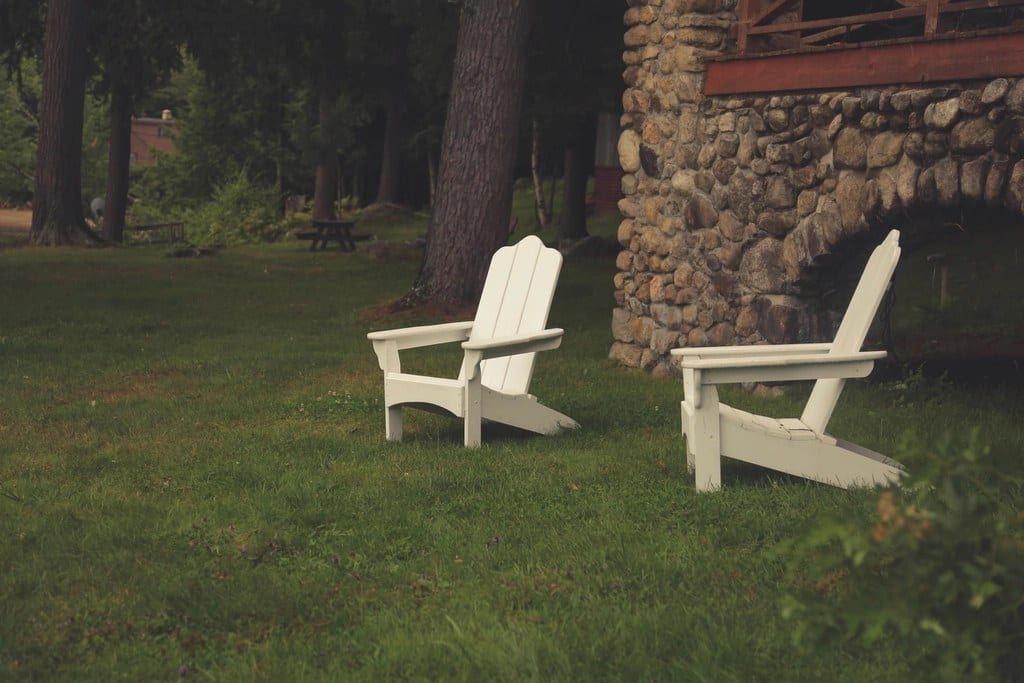
 Before
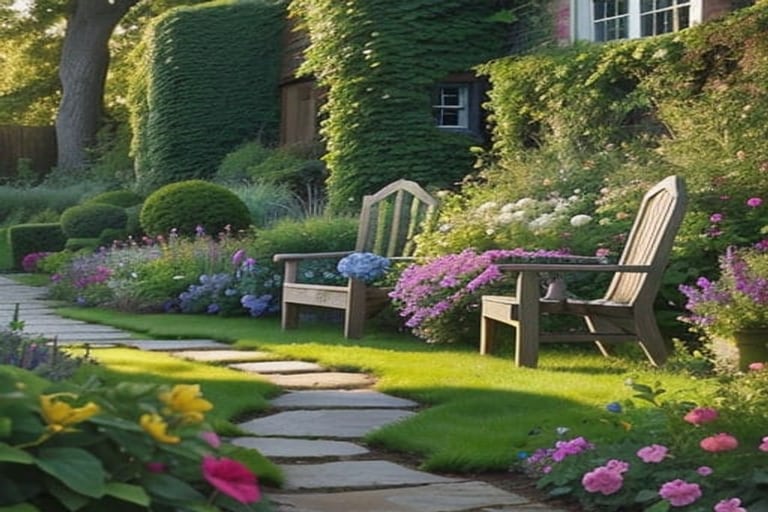 AI design
Cottage garden
Deep, loose borders of perennials such as lavender, roses and foxgloves, grasses for movement and a stepping-stone path through the lawn. Colorful from spring into fall; it needs regular deadheading and dividing.
Photograph your yard with your phone, pick a garden style and see a realistic landscape design drawn on your own photo. Free in your browser with no sign-up, or in the free HomeGPT app for iPhone and Android.
The same idea in the browser and in the app: one photo of your yard in, a garden design on that photo out.
Nothing to install. Open HomeGPT, take or choose a yard photo and pick cottage garden or modern low-maintenance. You get two design options on your own photo, each listing its plants and materials with rough quantities and typical prices. Untick what you do not want and redraw with only your picks.
Free for iPhone, iPad and Android. Switch the space to Garden, photograph the yard or pick a photo from your camera roll, choose a garden style and see it redesigned. The app also has a plant spacing planner that carries your measurements into the design brief.
The design is drawn on the photo you take, so the house, fences, trees and slope stay where they are. Treat it as a concept to agree a direction, then check it on the ground before you buy plants or materials.
The browser version offers the two styles that passed HomeGPT's blind tests on real yards. Each button opens the garden design tool with that style chosen; you add your photo there. The pictures are real yard photos and HomeGPT outputs in that style, and every yard gives a different result.
BeforeAI designDeep, loose borders of perennials such as lavender, roses and foxgloves, grasses for movement and a stepping-stone path through the lawn. Colorful from spring into fall; it needs regular deadheading and dividing.
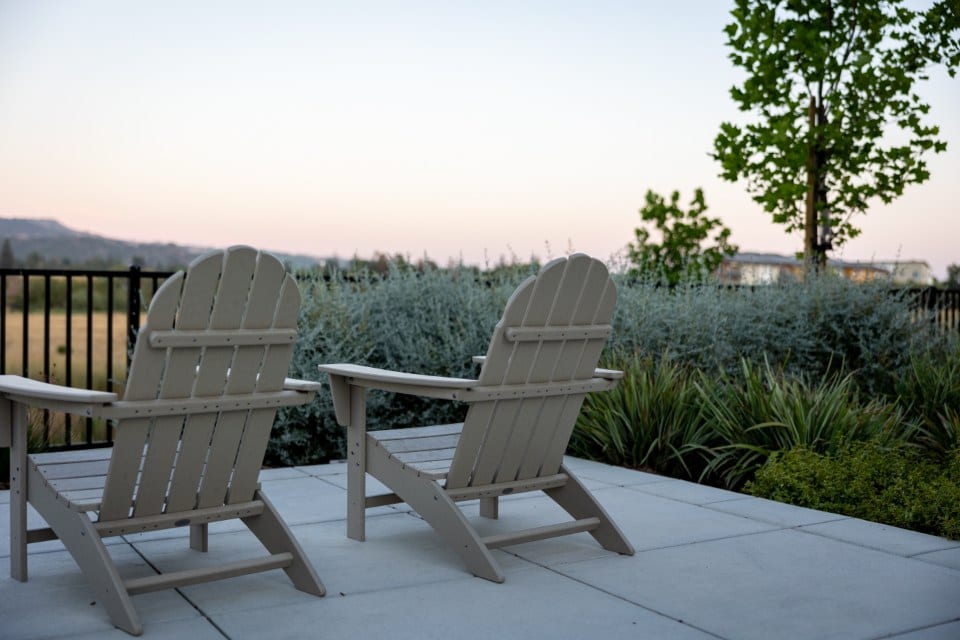 Before
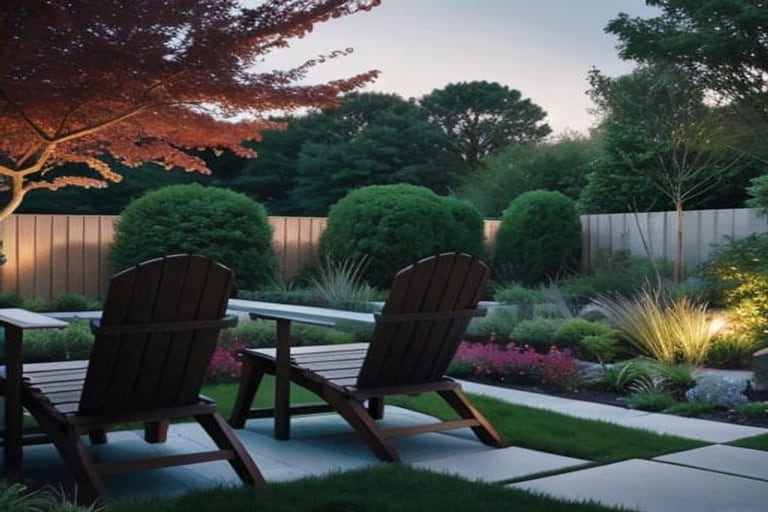 AI design
Large-format pale paving, raised beds of ornamental grasses and evergreen shrubs and warm low lighting. Clean lines and few plants to look after: a trim or two a year and some weeding.
Looking for xeriscape, native, Mediterranean or Japanese ideas? The AI landscape design page explains what each style means on the ground, and the AI garden design page covers planting in more depth.
The app is a free download for iPhone, iPad and Android, with no account needed for your first design. Choose Garden as the space, take or pick a yard photo and choose a style. Sign in only if you want your designs saved to a gallery. The app also redesigns house exteriors and rooms.
More about the app, its plans and what it covers on the HomeGPT app page.
A landscape design app can only redesign what it can see. These habits make the biggest difference to the result.
“Landscape design app” covers four quite different tools. Pick by the result you need: many people use a photo generator to settle the look, then a planner or a designer to build it.
Redraw your own yard from a photo in a chosen style.
Best for: Seeing a direction on your actual yard in minutes, before spending anything.
Limits: A concept, not a measured plan; plant choices need checking for your climate.
You drag catalog plants, pavers and features onto a photo or a camera view.
Best for: Testing exactly where specific products would go.
Limits: Slow to build a whole yard by hand, and the result looks composited.
You draw the plot to scale and place objects from a library.
Best for: Exact dimensions, levels and a plan you can build from.
Limits: A learning curve, and you rebuild the yard as a model rather than seeing your photo.
Identify plants from a photo and remind you to water, feed and prune.
Best for: Choosing and looking after plants once the layout is settled.
Limits: They do not redesign the yard.
HomeGPT is a photo AI generator. For a named comparison with design services, catalog apps and 3D planners, see best AI for landscape design and the best AI home design apps roundup.
A design on your photo settles the look. These steps turn it into something you can price and plant.
Compare both options and both styles on your own photo, and share the one you like with the household.
Measure each bed and use the plant spacing planner to work out how many plants fit at the right spacing.
Turn the design into quantities with the landscaping, mulch, gravel and sod calculators, then check the landscaping cost guide.
Everything for this project in one place: preview it with AI, estimate the materials, then read what it costs.
Preview the idea on a photo of your own home.
Turn the concept into material quantities.
Real 2026 price ranges and ideas.
Take one photo of the yard, choose cottage garden or modern low-maintenance and see the design on your own photo. Free to start, no sign-up.
Start free in the browser