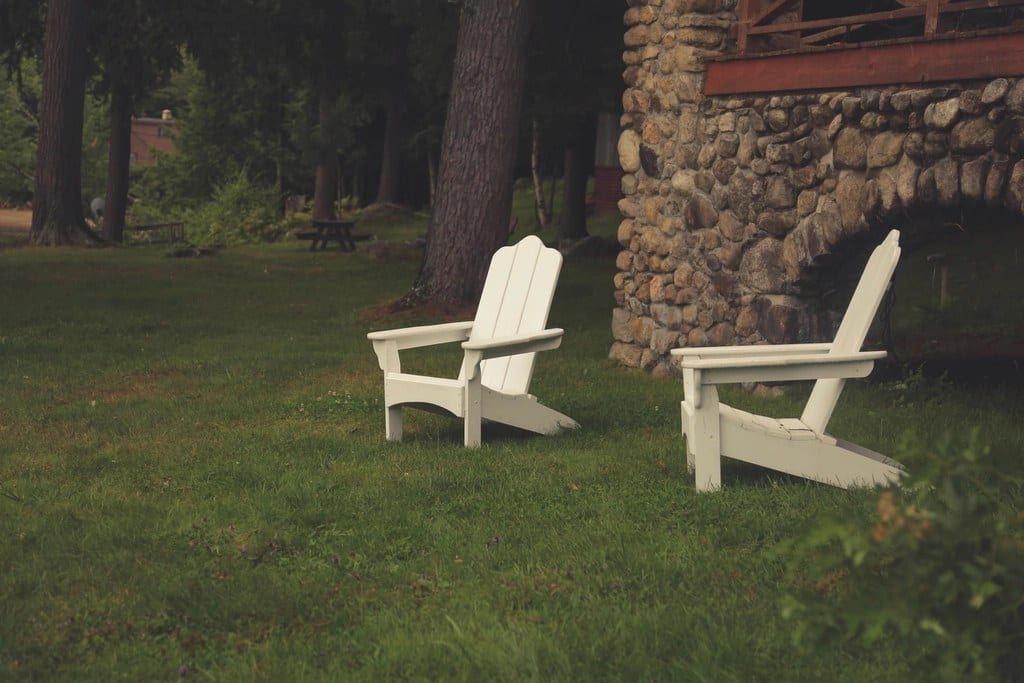
 Before
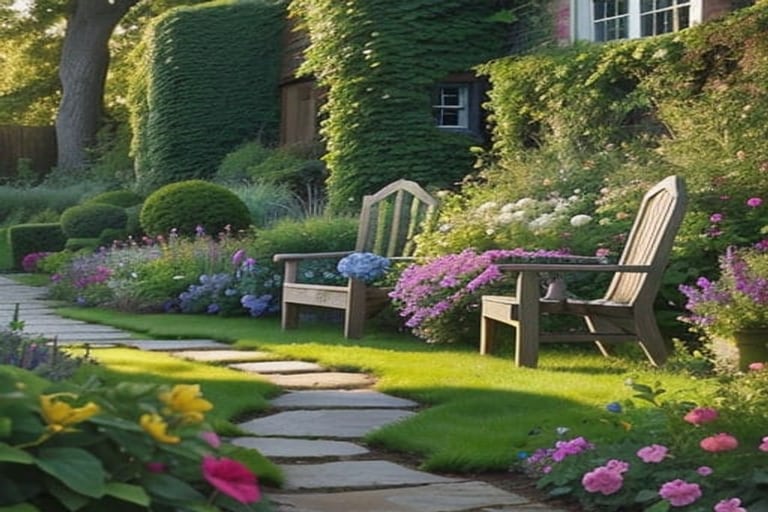 AI design
Cottage garden
Layered perennial borders, flowering shrubs and a stepping-stone walkway softened by natural edging.
Upload a photo of your front yard, backyard or garden and generate two realistic landscape designs drawn onto your real space. Start with 2 free designs a day, no sign-up and no watermark.
Step 1 · Which outdoor area?
Step 2 · Pick a garden direction
Deep layered borders of perennials and shrubs, textured foliage and a stepping-stone path inside your real yard boundaries.
Enter your approximate yard size to see ballpark bed mulch and sod quantities alongside your photo concept.
What stays put in the photo
One yard photo in, two realistic garden and hardscape options with rough quantities out.
Pick backyard, front yard or patio, select cottage garden, modern low-maintenance, hardscape or lawn refresh, and optionally check rough material quantities.
Use a phone photo showing the ground, beds and boundaries. HomeGPT keeps your house, mature trees and any pool where they are.
Review two options side by side, each listing plants, paving, edging and typical local prices. Untick anything you do not want and redraw.
Compare real before-and-after garden outputs from HomeGPT. Every button opens the garden generator with that style already selected.
BeforeAI designLayered perennial borders, flowering shrubs and a stepping-stone walkway softened by natural edging.
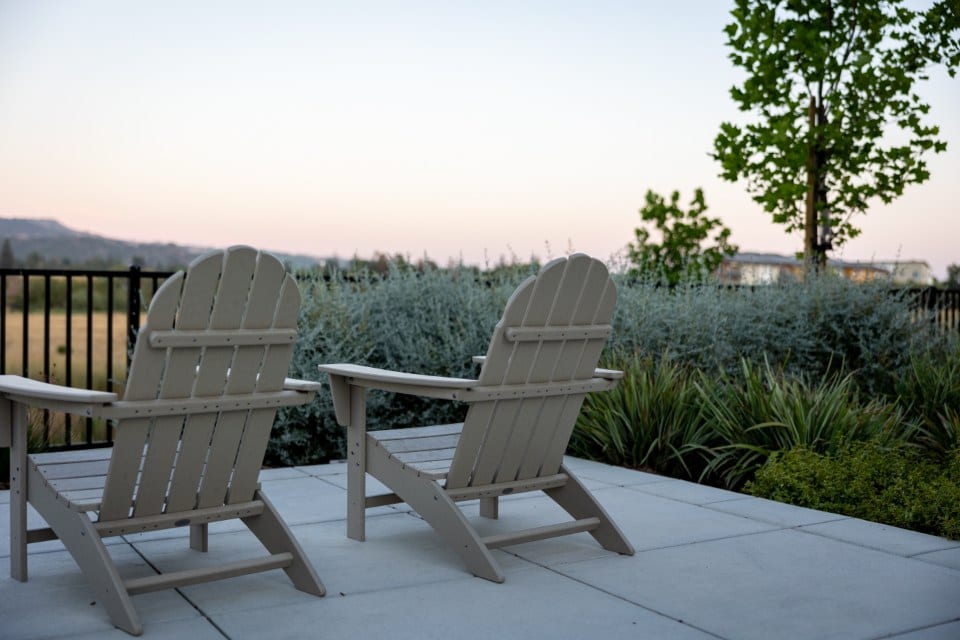 Before
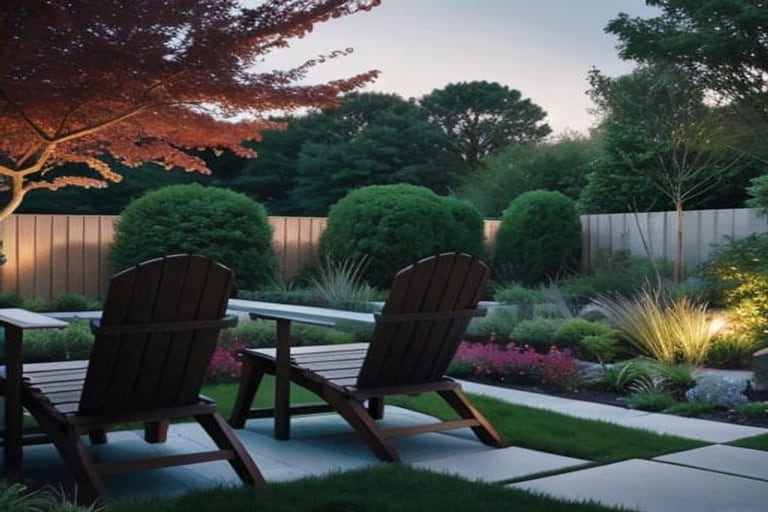 AI design
Clean pale paving, structured evergreen shrubs, ornamental grasses and warm low lighting with minimal upkeep.
Explore deeper guides on AI garden design, AI landscape design and the landscape design app.
Everything for this project in one place: preview it with AI, estimate the materials, then read what it costs.
Preview the idea on a photo of your own home.
Turn the concept into material quantities.
Real 2026 price ranges and ideas.
Upload one yard photo and compare two realistic concepts with rough material quantities and typical local prices. 2 free designs a day, no card needed.
Open the AI landscape generator